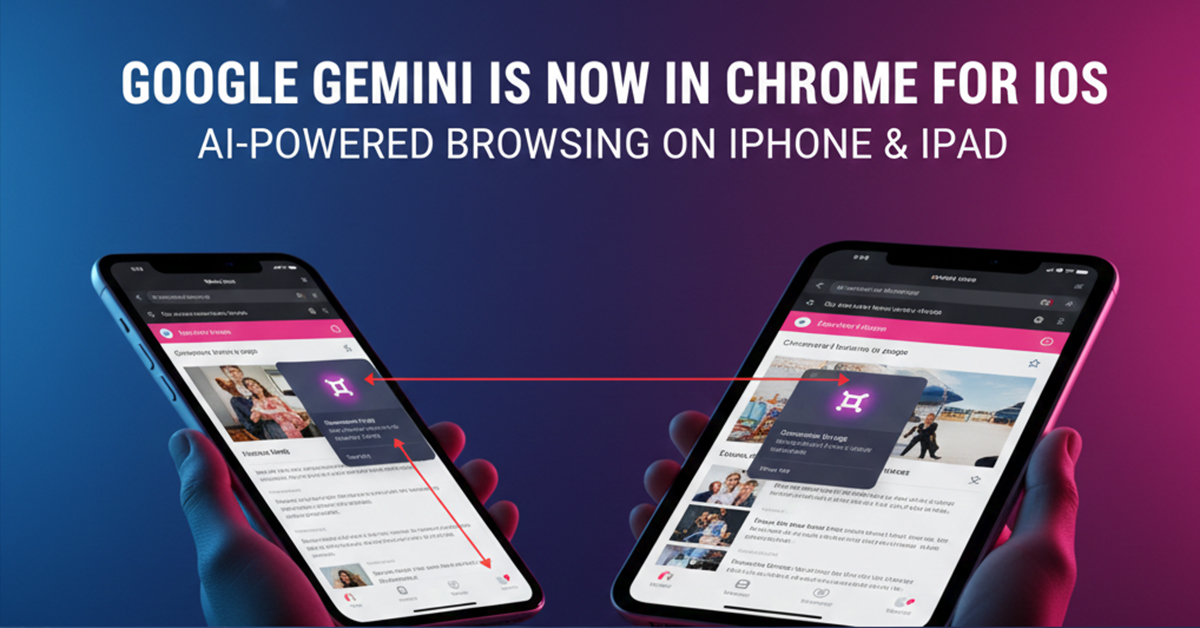

Google Gemini: Seamless AI Integration Arrives in Chrome for iPhone and iPad
Google is significantly elevating the mobile browsing experience for its iOS users by directly integrating the Gemini AI assistant into the Chrome browser. This move, which brings feature parity with Android and desktop versions, allows millions of iPhone and iPad users to harness powerful AI capabilities without ever leaving their current webpage. The rollout, however, ignites a renewed debate with Apple, which continues to strongly position its native Safari browser as the superior choice for user privacy.
Table of Contents
-
The Arrival of Gemini in Chrome for iOS
-
Key Features and Functionality
-
Eligibility and Rollout Details
-
The Privacy Debate: Chrome vs. Safari
-
Conclusion: Functionality Versus Privacy
1. The Arrival of Gemini in Chrome for iOS
For users on the Apple ecosystem, interacting with Google’s advanced AI previously required switching to the dedicated Gemini mobile app or accessing the web interface. Now, with the integration of Gemini directly into Chrome, Google has established a seamless, in-browser AI utility.
-
Platform Parity: This feature closes the functional gap between Google’s Chrome on iOS, Android, and desktop, ensuring a consistent, AI-enhanced browsing experience across all platforms.
-
Version Release: The feature is rolling out as part of Chrome version 143 for iPhone and iPad. It was first teased in September 2025 and began a wider expansion in December 2025.
2. Key Features and Functionality
The integrated Gemini assistant is designed to enhance productivity and research directly within the browser tab the user is viewing.
The floating chat window allows for continuous conversation with Gemini, which can be used for tasks like modifying a recipe, comparing information, or helping with learning a complex topic.
3. Eligibility and Rollout Details
The feature is being rolled out gradually, meaning not all users will receive it simultaneously. Users must meet specific criteria to access the integrated AI:
4. The Privacy Debate: Chrome vs. Safari
The introduction of Gemini into Chrome has reignited the competitive tension with Apple, particularly concerning user data and privacy. Apple continues to actively encourage users to switch from Chrome to its native Safari browser, making a strong privacy case:
-
Apple’s Stance: Apple’s public position is that “Unlike Chrome, Safari truly helps protect your privacy”.
-
Privacy Features: Safari is touted as having “state-of-the-art features” that include protection against cross-site tracking and methods to hide a user’s IP address from known trackers. The company claims Safari offers stronger protection against aggressive tracking and fingerprinting, which uniquely identifies users based on device characteristics.
-
The AI Privacy Trade-off: While Google emphasizes the utility and advanced functionality of its cloud-based Gemini system, Apple’s competing Apple Intelligence is built with a heavy emphasis on on-device processing to ensure personal data safety and privacy, with only select tasks offloaded to Apple’s Private Cloud Compute.
-
User Control: With Gemini in Chrome, the automatic sharing of the current page with the AI for context is a key privacy point. While users can stop this sharing, the default setting requires users to be proactive about managing their data.
5. Conclusion: Functionality Versus Privacy
The integration of Google Gemini into Chrome for iPhone and iPad marks a significant step toward making AI assistance a standard, seamless part of the mobile web experience. It offers powerful, real-time tools for summarizing, learning, and creating content directly within the browser, dramatically boosting productivity.
However, this convenience comes at a perceived cost to privacy, as highlighted by Apple. The choice for the user ultimately boils down to a fundamental trade-off: Google’s cloud-enabled, powerful AI functionality versus Apple’s commitment to on-device processing and robust privacy features in Safari. For Google Workspace users, the deep integration of Gemini may be irresistible, but for those who prioritize maximum digital anonymity, Safari remains the clear choice.