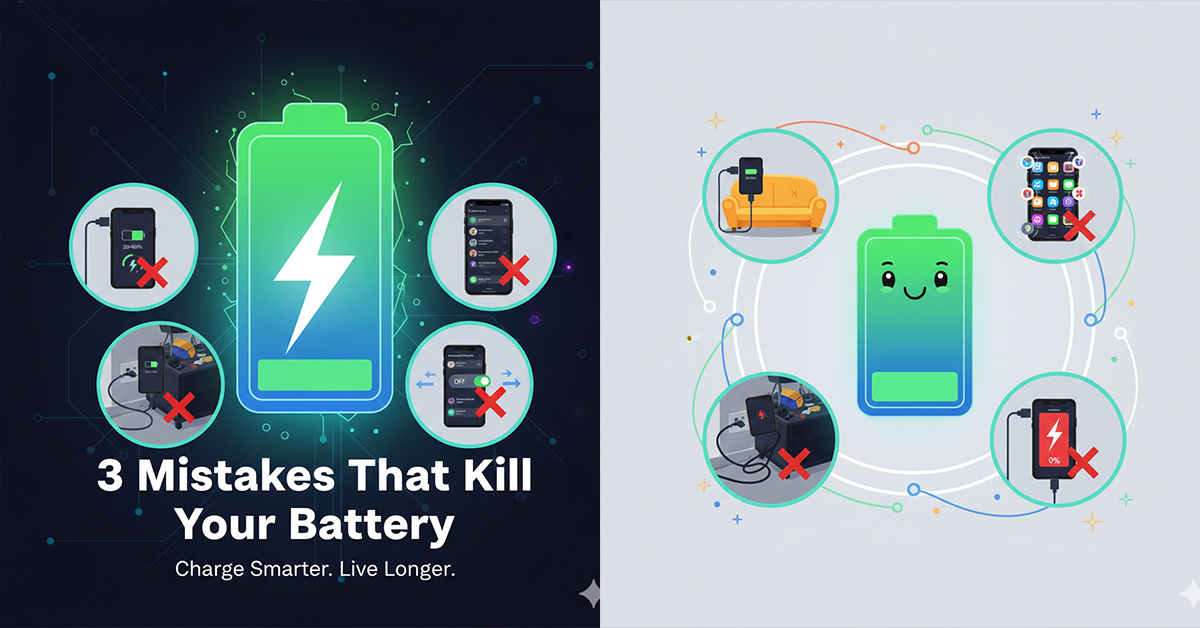

In 2026, smartphones are more powerful than ever, but their “heart”—the battery—remains one of the most fragile components. Whether you are using the latest iPhone or a high-end Android, small habits could be shortening your device’s lifespan without you even realizing it.
According to tech experts, here are the three major mistakes you should stop making right now to protect your battery health.
1. Letting Your Battery Drop Below 20%
Many of us wait until our phone is about to die before reaching for the charger. However, regularly letting your phone dip below 20% puts immense stress on Lithium-ion batteries.
Steven Athwal, owner of The Big Phone Store, explains:
“Lithium-ion batteries generally like shallow cycles better than full drains. To protect your battery’s health in the long run, it is far better to maintain the charge between 20% and 80% rather than using up every last percent.”
Key Tip: Don’t wait for the “Low Battery” warning. Charge your phone in small bursts throughout the day to keep it in the “Sweet Spot” (20-80%).
2. Charging in Tight Places or Behind Furniture
If you are plugging your charger into an outlet hidden behind a sofa or bed, you might be at risk. When the charging cable is forced to bend at a sharp angle, it doesn’t just damage the cord—it can overheat your phone.
“When a charger is pressed at an angle, the stress breaks internal wires,” says tech expert David Miloshev. This leads to poor connectivity, which tech pro Ankush Chowdhury warns can “harm the charger’s internal electronics and reduce charging efficiency,” ultimately leading to excess heat that damages the phone’s battery.
Key Tip: Ensure your charging cable has enough space to remain straight at the connection point. Use L-shaped cables if you must charge in tight corners.
3. Leaving ‘Background App Refresh’ Enabled
Is your phone’s battery draining faster than usual? It might be because your apps are working too hard behind the scenes. Background App Refresh allows apps to download content and update even when you aren’t using them.
Tech expert Paul DeMott suggests a “Background Refresh Isolation” approach:
-
Go to your Settings.
-
Disable Background App Refresh for about 85% of your apps.
-
Only keep it on for essential apps (like Maps or Messaging).
By doing this, you prevent non-essential games and news apps from turning your phone into a “non-stop data processing machine” that eats up system resources and battery life.
Final Thoughts
Taking care of your smartphone battery doesn’t require much effort—just a few changes in your daily habits. By keeping your charge levels balanced, giving your cables breathing room, and managing your background apps, you can ensure your device stays healthy for years to come.
Stay tuned for more tech tips and tricks to keep your gadgets running like new!